
Your photos are not a product
No ads, no advertising profile, no algorithm deciding what your people get to see.
Socialize is a self-hosted photo and video social network, on your NAS or your server, with stories, audience groups and Instagram import — federated with Mastodon, Pixelfed and the whole fediverse.
On a big platform, your photos keep a company running. At home, they only serve the people you show them to. Follow the journey of a photo.
At home, you decide who sees your photos, and for how long. Nothing is sold.
No ads, no advertising profile, no algorithm deciding what your people get to see.
Shared copies are stripped of their EXIF and GPS data. The original never leaves your server.
Built into SocializeEveryone, your followers, or only the groups you create: family, close friends.
Audience groupsYour data on your hardware, with free software. And Instagram import to leave without losing anything.
Everyone at home, and still following each other: your instance speaks ActivityPub, like Mastodon and Pixelfed. Your friends can even sign in with their Mastodon account, without creating a new one.
Self-hosting protects your privacy, but security is shared: Socialize does part of it, the rest is up to you. Here is the list, with who takes care of what.
docker compose pull.Up to youcurl -fsSL https://raw.githubusercontent.com/sadjo/socialize/main/install.sh | sh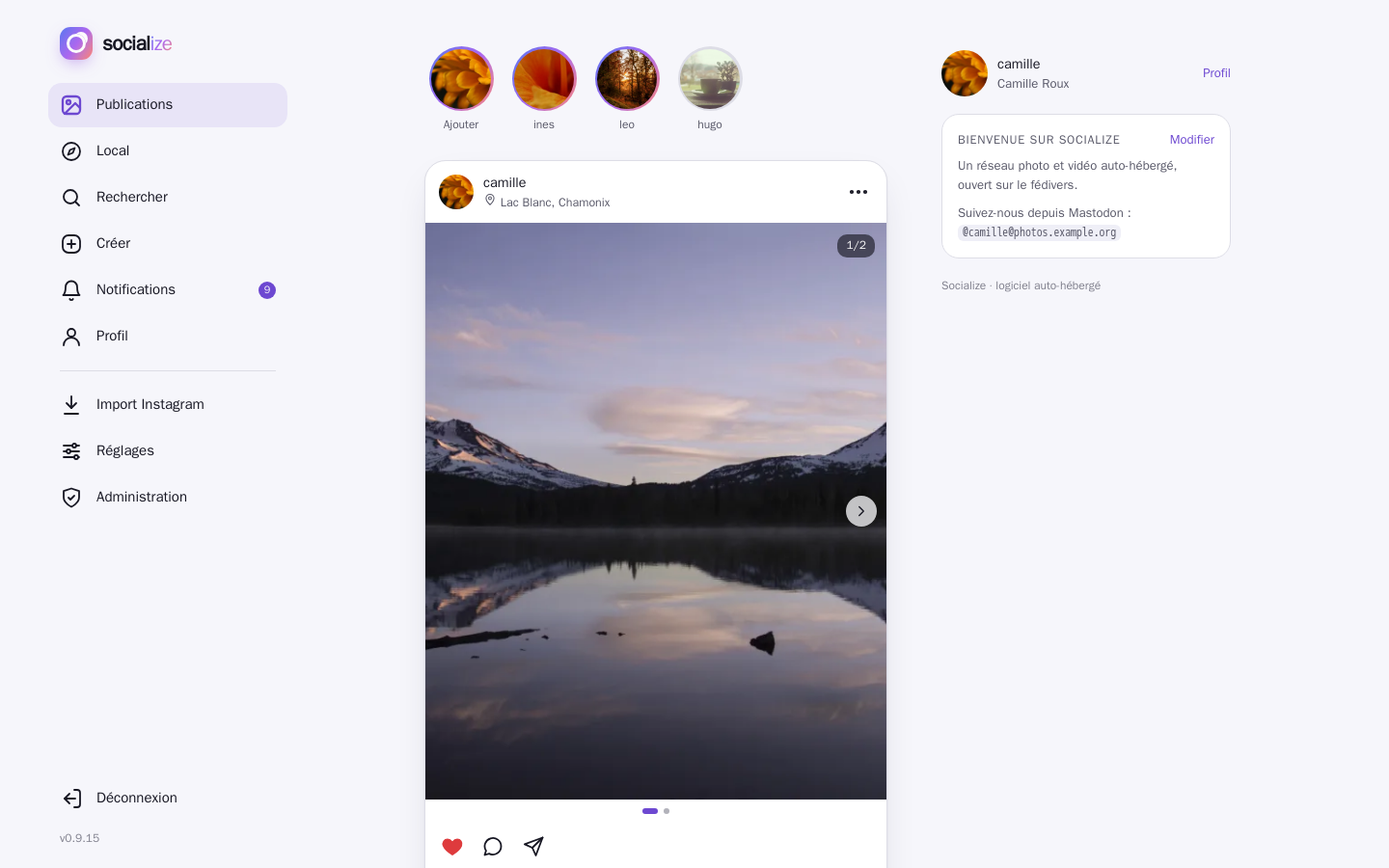
…without giving your memories away. Socialize runs on your own server and talks to the open social web.
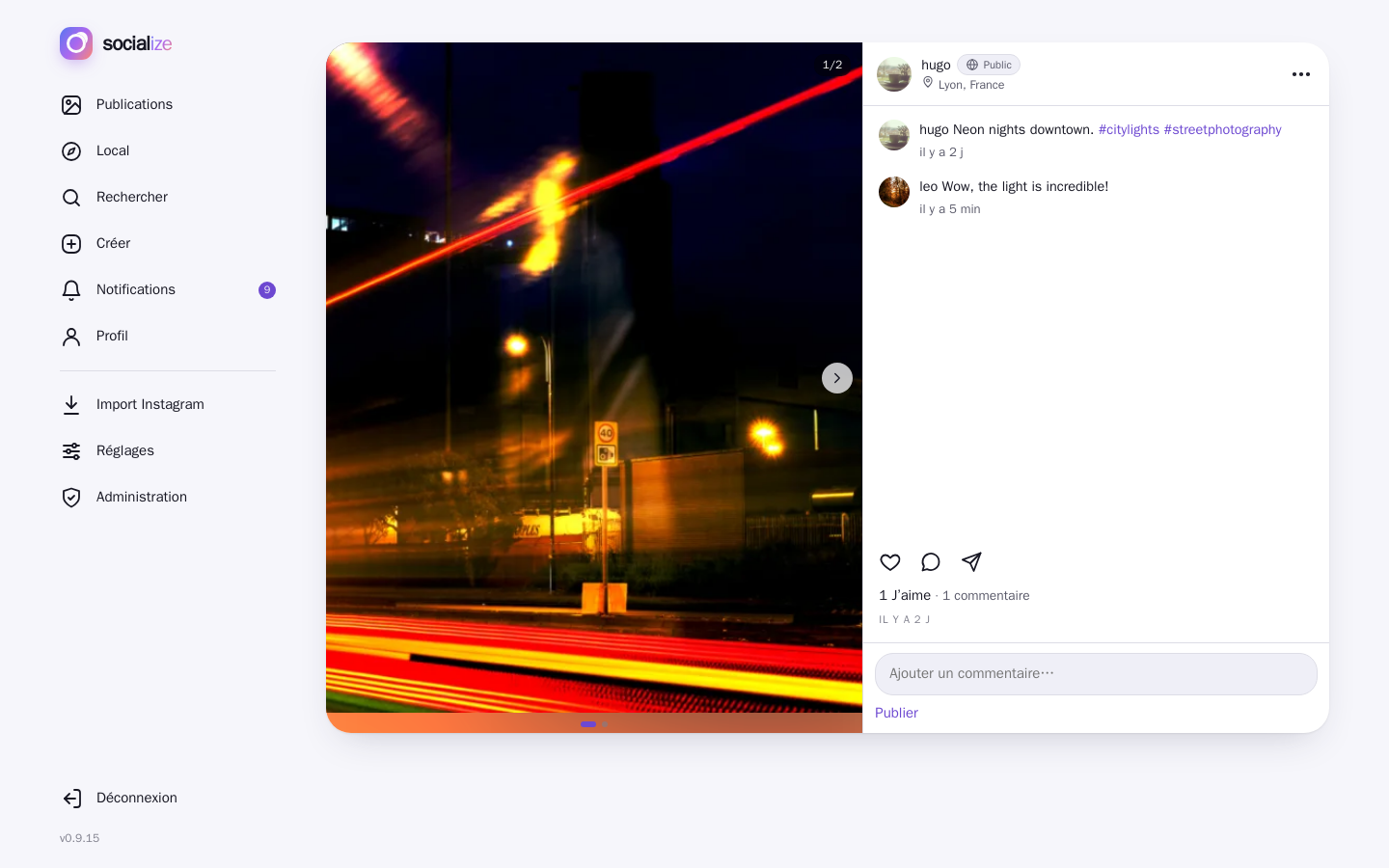
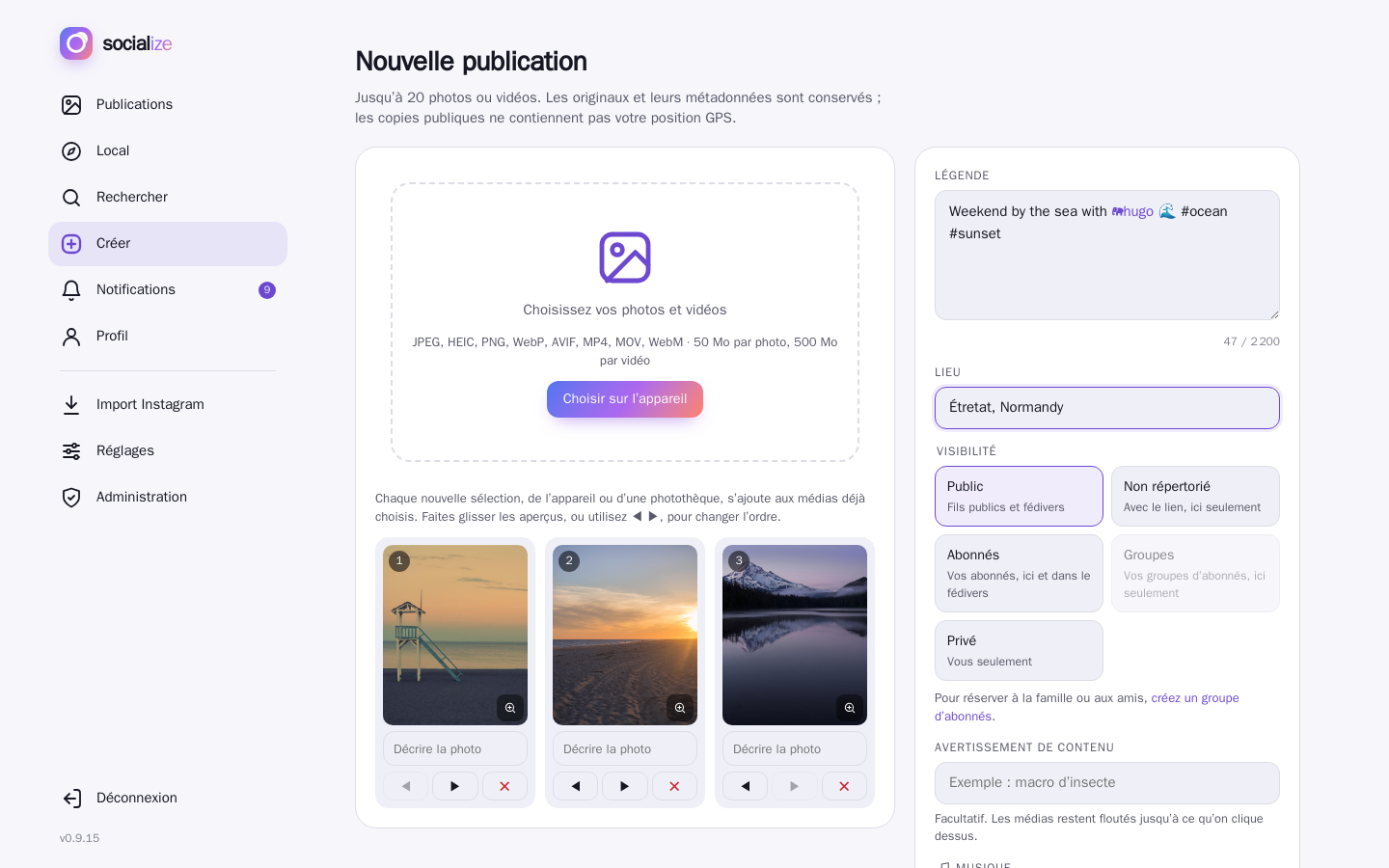
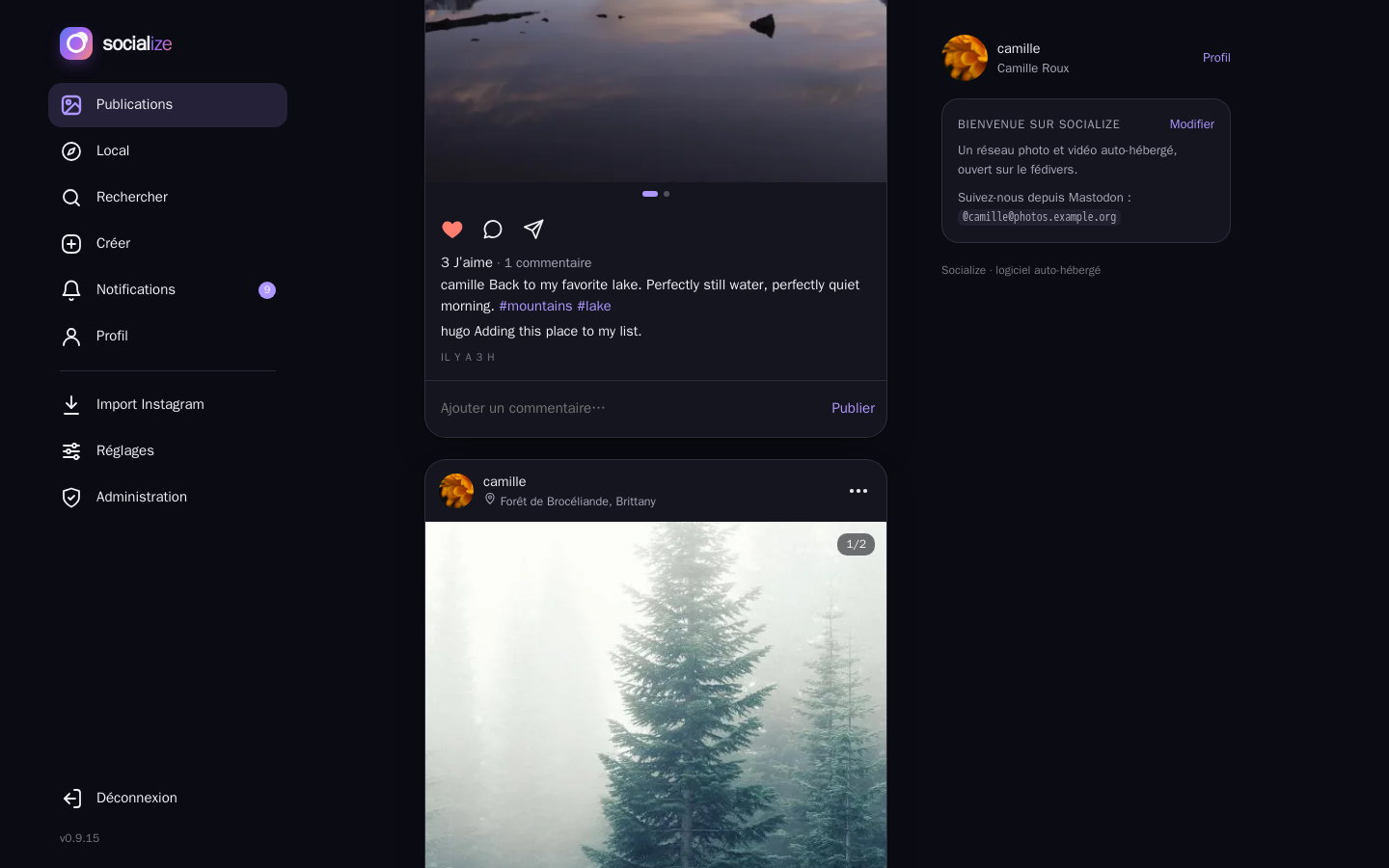
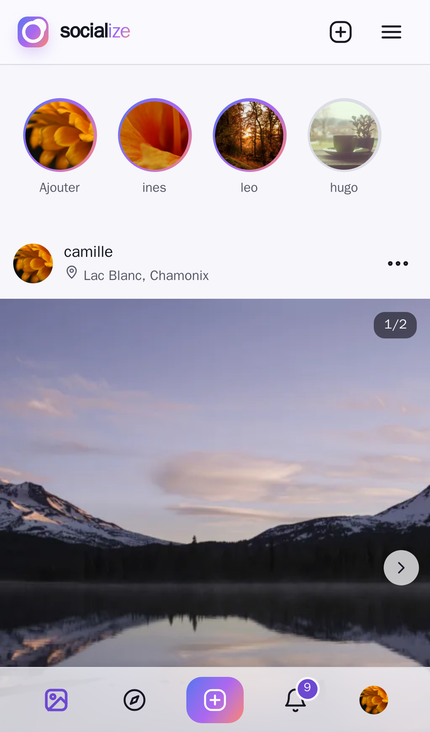
Up to 20 photos and videos per post, alt text, hashtags, mentions, locations and content warnings.
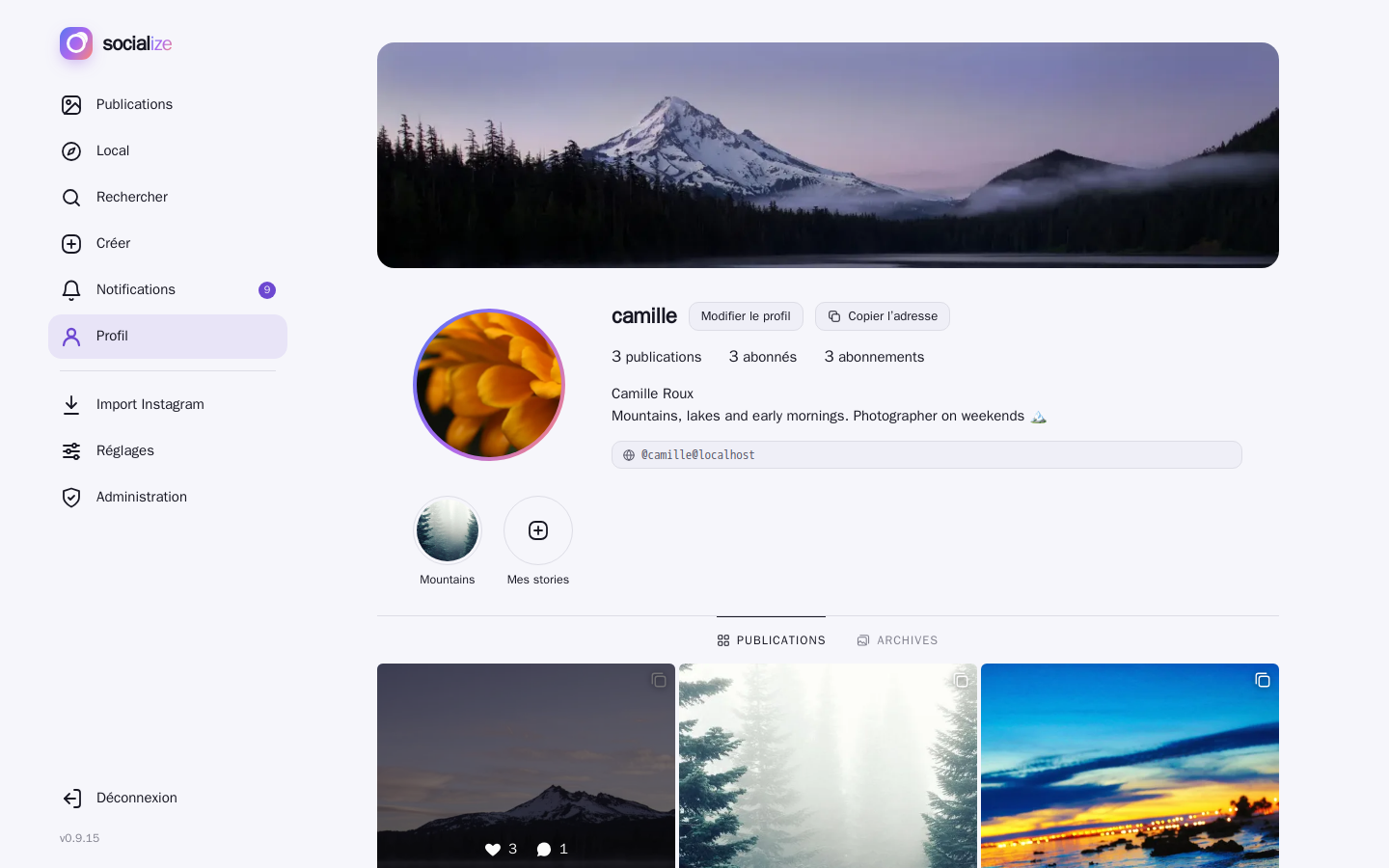
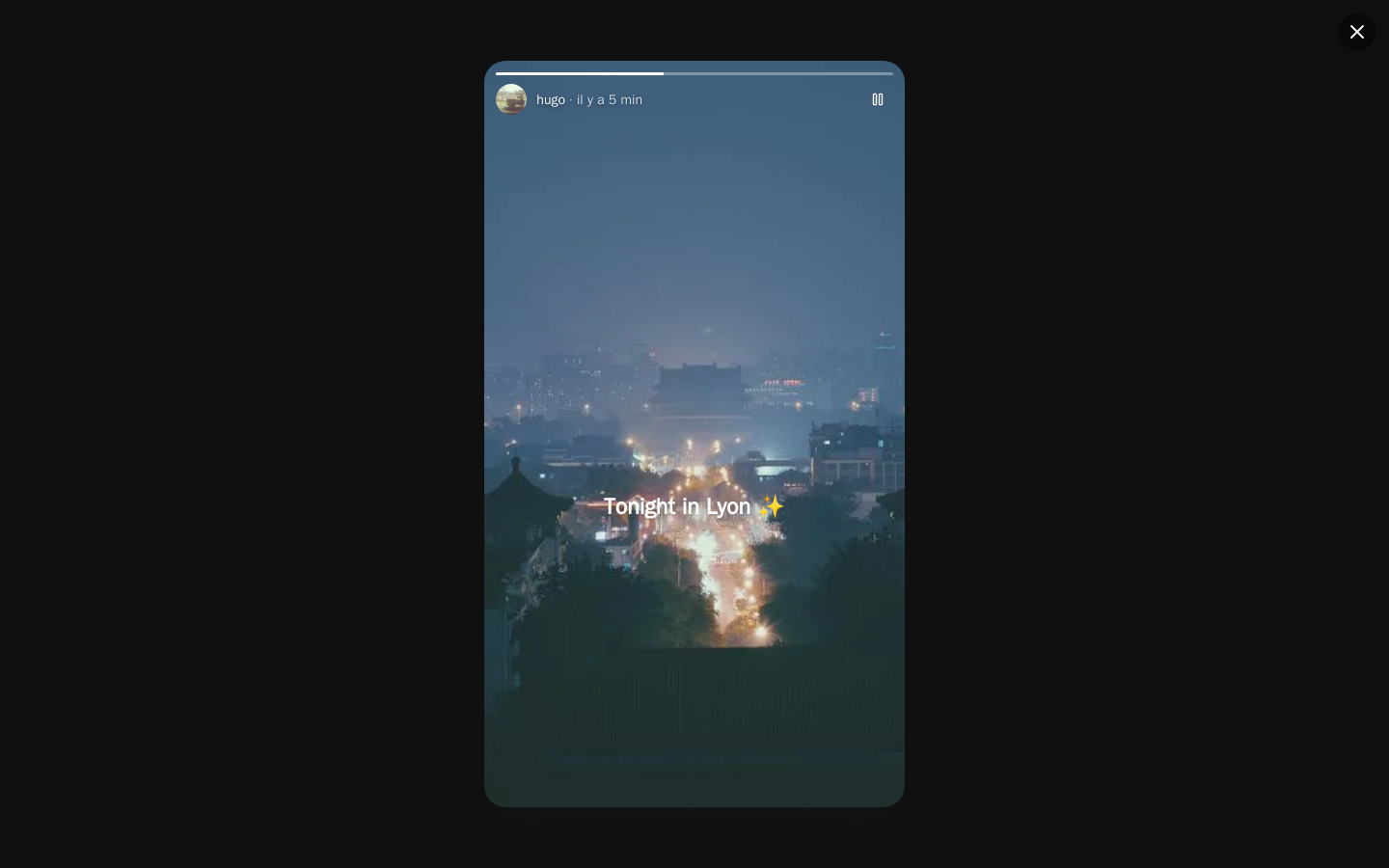
24-hour stories with text and music, highlights on your profile and a private archive.
Full ActivityPub support: follow and be followed from Mastodon, Pixelfed and beyond.
Share with everyone, your followers, or only the family and close friends groups you define.
Bring your whole archive — up to 20 GB — with original dates, carousels, EXIF and archived stories.
Publish straight from your photo library, Live Photos included, with metadata preserved.
Friends can use Socialize with their Mastodon account — no new account required.
Likes, comments, mentions and new posts on phones and desktops, as a home screen app.
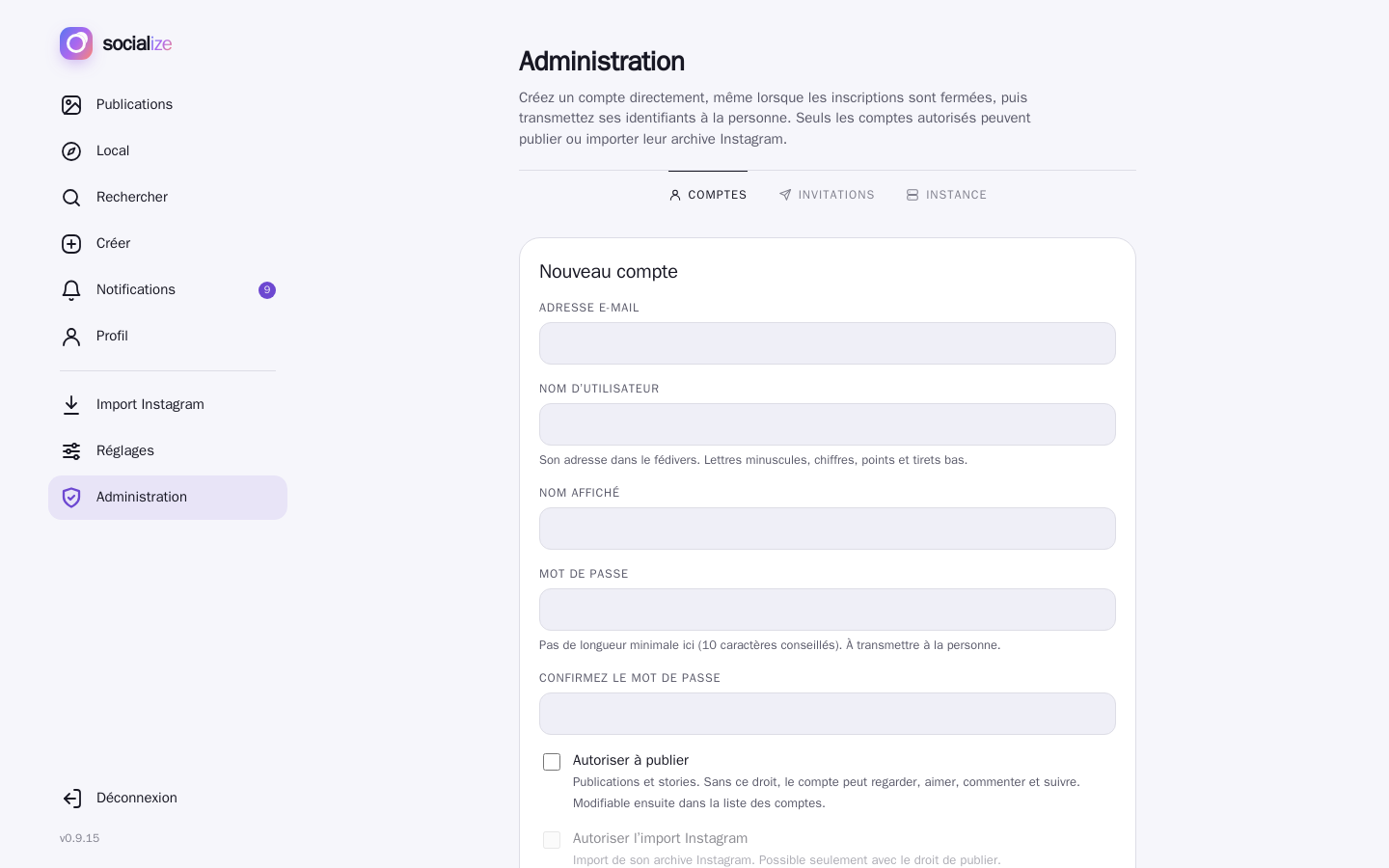
Originals stay private; public copies are stripped of EXIF and GPS. Invitations and permissions for admins.
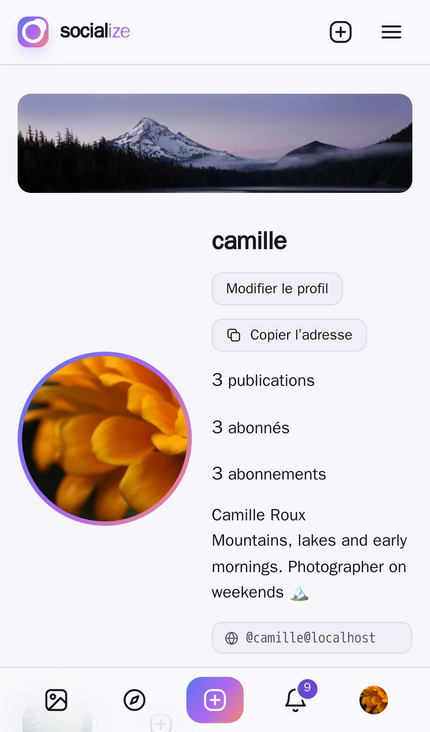
A one-minute tour: the feed, stories, the media viewer, posting and profiles.
A polished interface on desktop and mobile, in light and dark themes.

All you need is a Linux server with Docker and a domain name.
It checks Docker, asks for your domain and generates the secrets.
curl -fsSL https://raw.githubusercontent.com/sadjo/socialize/main/install.sh | sh
Caddy obtains the HTTPS certificate automatically. Log in with the administrator account the installer created.
https://photos.example.org
Send invitations, grant publishing rights, and start sharing.
docker compose pull && docker compose up -d # upgrade
Prefer Docker Compose, MariaDB or a reverse proxy? Read the installation guide.